

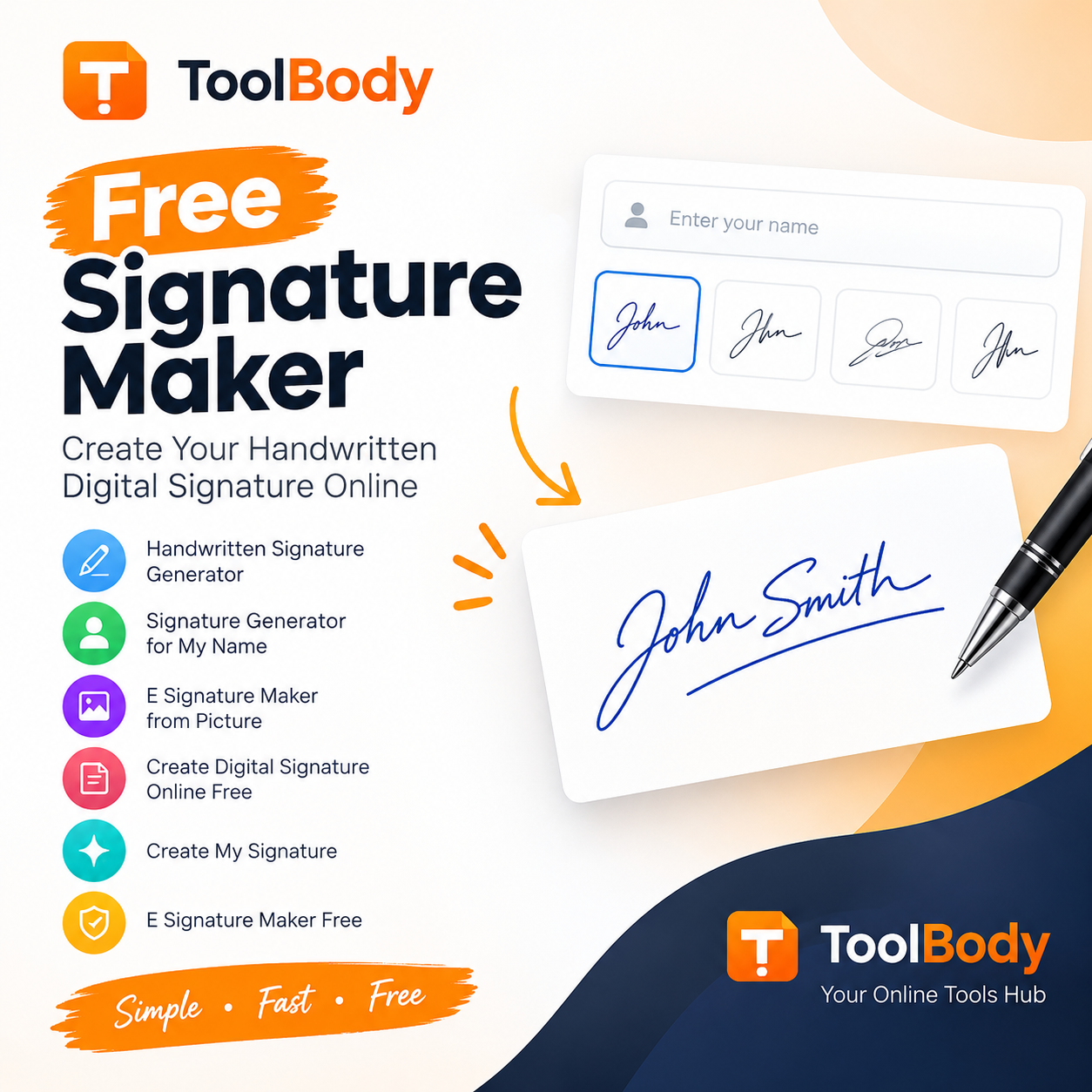
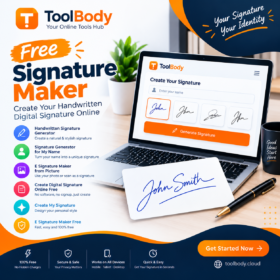
Free Signature Maker Online – Create Your Handwritten Digital Signature
A signature is an essential part of everyday personal and professional communication. Whether you need to sign a document, complete an online form, approve a business agreement, or personalize your digital files, having a professional signature can save time and make your documents look more polished. With a Free Signature Maker, you can create a personalized signature online without purchasing expensive software or installing additional applications.
Tool Body offers an easy way to create your signature online. You can explore Tool Body to create a personalized signature and make your digital workflow more convenient. Whether you want a handwritten-style signature, an electronic signature, or a signature created from your name, an online signature maker can help you get started quickly.
In this guide, you will learn how a free signature maker works, how to create your own handwritten signature, how to use a digital signature in documents, and how to choose a signature style that suits your needs.

What Is a Free Signature Maker?
A Free Signature Maker is an online tool that helps users create a personal signature without paying for a subscription. Depending on the tool, you can type your name, choose a signature style, draw your signature using a mouse or touchscreen, and download the result for use in digital documents.
A signature generator is useful for students, freelancers, professionals, business owners, and anyone who regularly works with digital paperwork.
Instead of repeatedly printing documents, signing them by hand, and scanning them, you can create a digital image of your signature and insert it into compatible documents when appropriate.
With Tool Body, you can explore an accessible online approach to creating signatures for your everyday digital needs.
How to Create a Signature Online for Free
Creating a signature online does not need to be complicated. Follow these simple steps to create a signature that reflects your personal style.
Step 1: Open a Free Signature Maker
Visit Tool Body and find the Free Signature Maker tool. Open the tool in your browser to begin creating your signature.
Step 2: Enter Your Name
Type your first name, full name, initials, or another suitable version of your name. Many users prefer a signature based on their full name, while others choose initials or a shortened handwritten style.
Step 3: Choose Your Signature Style
Select a signature style that matches your preference. A cursive signature can look elegant, while a simple signature may be easier to read. Consider where you will use your signature before choosing a final design.
Step 4: Draw or Customize Your Signature
If drawing is supported, use your mouse, touchscreen, or stylus to create a handwritten signature. Adjust the appearance as needed to achieve a result that feels natural and recognizable.
Step 5: Download and Use Your Signature
Save your signature in a supported image format. A transparent PNG can be particularly useful because it allows you to place your signature over a document without adding a solid background.
Before using your signature on an important document, check that it is clear, correctly positioned, and accepted by the receiving organization.
Handwritten Signature Generator: Create a Personal Signature
A handwritten signature generator helps you create a signature that resembles natural handwriting. This option is popular among people who want to maintain a personal touch when signing digital documents.
A handwritten signature can be useful for:
- Personal letters and digital correspondence.
- Business documents and internal paperwork.
- Freelance proposals and invoices.
- School assignments and administrative forms.
- Personal branding and professional documents.
When creating a handwritten signature, focus on consistency, readability, and simplicity. You do not need an overly complicated design to create a professional appearance.
If you want a simple way to explore signature styles, Tool Body is a useful place to start. You can visit Tool Body to find online tools that support your digital workflow.
Signature Generator for My Name
If you are searching for a signature generator for my name, you probably want a signature that looks personal rather than like ordinary typed text.
The best approach is to start with your real name and experiment with different writing styles. For example, you might use your first and last name, connect the letters in a cursive style, or create a shorter signature using your initials.
Here are some tips for creating a signature from your name:
- Start with a simple version of your name.
- Experiment with different letter shapes and writing styles.
- Keep the signature recognizable enough for your intended use.
- Avoid unnecessary decorations that make the signature difficult to reproduce.
- Practice signing your name consistently if you intend to use it for formal paperwork.
A signature should reflect your personal preference while remaining suitable for the documents you need to sign.

Handwritten Signature Generator Free: Why Use an Online Tool?
A free handwritten signature generator can be helpful when you need a signature quickly and do not want to install desktop software.
The main advantages include convenience, accessibility, and flexibility. You can create a signature from a compatible browser and use the resulting image in supported applications.
Benefits of a Free Online Signature Maker
- No expensive software required: An online tool can help you create a signature without purchasing a dedicated design application.
- Convenient access: You can use a browser-based tool from a compatible computer or mobile device.
- Personalized appearance: Choose a signature style that suits your personal or professional preferences.
- Digital document support: A signature image can be inserted into compatible word-processing documents, PDFs, and other files.
- Time-saving workflow: Once you have created and saved your signature image, you may reuse it where permitted instead of scanning a new handwritten signature each time.
- Flexible design options: Depending on the tool, you may be able to type, draw, or customize your signature.
For a convenient starting point, visit Tool Body at https://toolbody.cloud/ and explore its available online tools.
E Signature Maker from Picture
An e signature maker from picture is useful when you already have a handwritten signature and want to use it in digital documents.
For example, you might have a photograph or scanned image of your signature on paper. A suitable signature image tool can help you prepare that image for digital use, depending on the available editing features.
The general process is straightforward:
- Write your signature on clean, unlined paper.
- Photograph or scan the signature in good lighting.
- Crop the image to remove unnecessary space.
- Use a suitable image editor to improve contrast and remove the background if needed.
- Save the prepared signature in a compatible format.
- Insert it into your document and check its appearance.
- A transparent PNG is often useful because the signature can sit directly on the document background.
Keep in mind that creating a signature image and applying a legally valid electronic or digital signature are not necessarily the same thing. Some agreements and official documents require identity verification, an audit trail, or a certificate-based digital signature.
Only use your own signature or an image you have permission to use.
Create Digital Signature Online Free
When you want to create a digital signature online free, the right method depends on your purpose.
If you need a visual signature for a letter, invoice, proposal, or document, a signature maker that produces a signature image may be sufficient.
If you need to sign a legally significant electronic agreement, you should check whether the recipient requires a dedicated e-signature service or a certificate-based digital signature.
Common Uses of Digital Signatures
Business documents: Add a signature image to suitable proposals, letters, and internal documents.
Freelance work: Include a signature in documents when requested by a client and permitted by the agreement.
Invoices: Personalize invoices and other business paperwork.
Educational paperwork: Sign certain forms or assignments when digital signatures are accepted.
Personal documents: Use a signature image in letters and other files where a visual signature is appropriate.
For many everyday tasks, an online signature maker offers a simple starting point. ToolBody can be explored at https://toolbody.cloud/ for accessible online utilities.
Create My Signature: Tips for a Professional Result
When searching for create my signature, users often want a signature that looks attractive, remains recognizable, and is easy to use across different documents.
The following tips can help you achieve a better result.
Keep It Simple
A simple signature is often easier to reproduce and recognize. Avoid adding too many decorative lines or unnecessary symbols.
Choose a Suitable Style
A formal document may call for a neat and readable signature, while personal correspondence may allow more creative styling.
Maintain Consistency
If you intend to use the signature regularly, choose a design you can reproduce consistently when a handwritten signature is required.
Check the Size
Make sure your signature remains clear when resized. A signature that looks good on a large screen may become difficult to read when inserted into a small form field.
Use a Transparent Background When Appropriate
A transparent signature image can blend naturally into a document. If your tool supports transparent PNG downloads, this format is often convenient for word processors and compatible PDF workflows.
Protect Your Signature
Treat your signature image as personal information. Avoid sharing it publicly or uploading it to unfamiliar websites without considering the privacy implications.
Free Signature Maker for Students, Freelancers, and Businesses
A Free Signature Maker can support different types of users.
Students: Students may need signatures for permitted school forms, applications, or other administrative documents.
Freelancers: Freelancers can use signature images in suitable proposals, invoices, and client correspondence.
Business owners: Business owners may add signatures to letters, internal paperwork, and other documents that accept image-based signatures.
Office professionals: Employees can use signature images for appropriate internal documents and routine correspondence.
Individuals: Anyone who needs a personal signature for digital communication can benefit from a simple online signature workflow.
The important consideration is whether the recipient accepts an image-based signature. For regulated, financial, legal, or identity-sensitive transactions, always follow the applicable signing requirements.

Why Choose ToolBody for Your Online Tools?
When choosing an online signature maker, look for a straightforward interface, convenient access, and an output format that suits your needs.
Tool Body is an online tools website designed to help users complete common digital tasks conveniently. Rather than relying on complicated software for every small task, users can explore its available utilities through a web browser.
If you need to create a signature, start by visiting Tool Body and locating the relevant Free Signature Maker tool.
Before using any online tool, review its available features, supported formats, and privacy information. Avoid uploading sensitive documents or personal information unless you understand how the service handles your data.
Tool Body can be a useful starting point for people who want to simplify everyday online tasks and make their digital workflow more efficient.
Frequently Asked Questions (FAQs)
What is the best Free Signature Maker?
The best Free Signature Maker is one that is easy to use, provides a suitable signature style, and lets you save the result in a format compatible with your documents. Tool Body is a convenient place to start exploring online tools for your digital workflow.
How can I create my signature online for free?
Open a suitable online signature maker, enter your name or draw your signature if the feature is available, customize the appearance, and save the result. Check the available export formats before downloading.
Can I create a handwritten signature using my name?
Yes. A signature generator may let you enter your name and choose a handwriting-inspired style. Some tools also allow you to draw a signature using a mouse, touchscreen, or stylus.
Can I use a free signature maker on my mobile phone?
Many browser-based signature makers work on compatible mobile devices. If drawing is supported, you may be able to use your finger or a stylus to create your signature.
How do I add my signature to a PDF?
If you have a signature image, open a compatible PDF editor, insert the image, position it in the appropriate area, and save the document. Some PDFs require a dedicated electronic-signing process instead of an image.
What is the difference between an electronic signature and a digital signature?
An electronic signature is a broad category that includes electronic methods of indicating agreement. A digital signature commonly refers to a cryptographic method that helps verify a document’s authenticity and integrity. A simple signature image is not automatically a certificate-based digital signature.
Can I download my signature as a transparent PNG?
That depends on the tool you use. If transparent PNG export is available, it can help you place your signature over a document without a solid rectangular background.
Is a signature image legally valid?
A signature image may be accepted for some documents, but acceptance depends on the applicable law, document type, recipient, and signing requirements. Some transactions require identity verification or a dedicated electronic-signature process.
Can I use the same signature on different documents?
You may reuse your own signature image where permitted. However, you should protect the image and avoid using it for documents you have not reviewed or authorized.
Where can I find an online Free Signature Maker?
You can visit Tool Body and explore its available online utilities to find the relevant signature-making tool.
Location
Related Ads



Leave feedback about this