

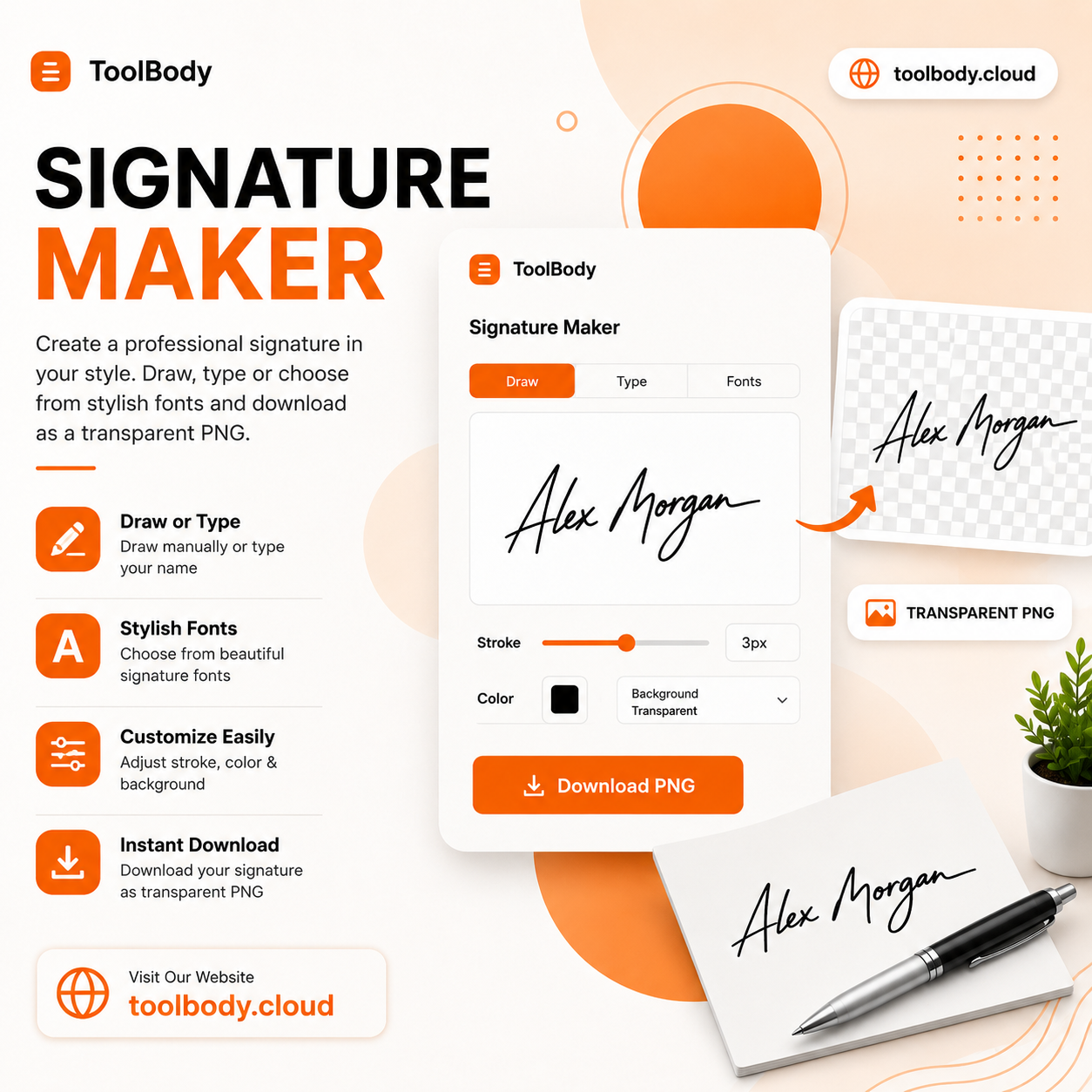
A signature that doesn’t bring a white box with it
Here’s the small annoying detail nobody warned you about: most “free” signature generators give you a PNG, you drop it on your document, and a white rectangle appears around the signature. It looks bad. Especially on coloured letterheads, styled PDFs, or anything that isn’t plain white paper.
The fix is a truly transparent PNG — and that’s what the ToolBody transparent signature PNG maker outputs by default. Drop your signature onto any document, of any colour, and only the signature shows. No box. No fringe. No “remove background — premium feature” upsell.
↑ Make your signature now (no sign-up)
Two ways to make a signature
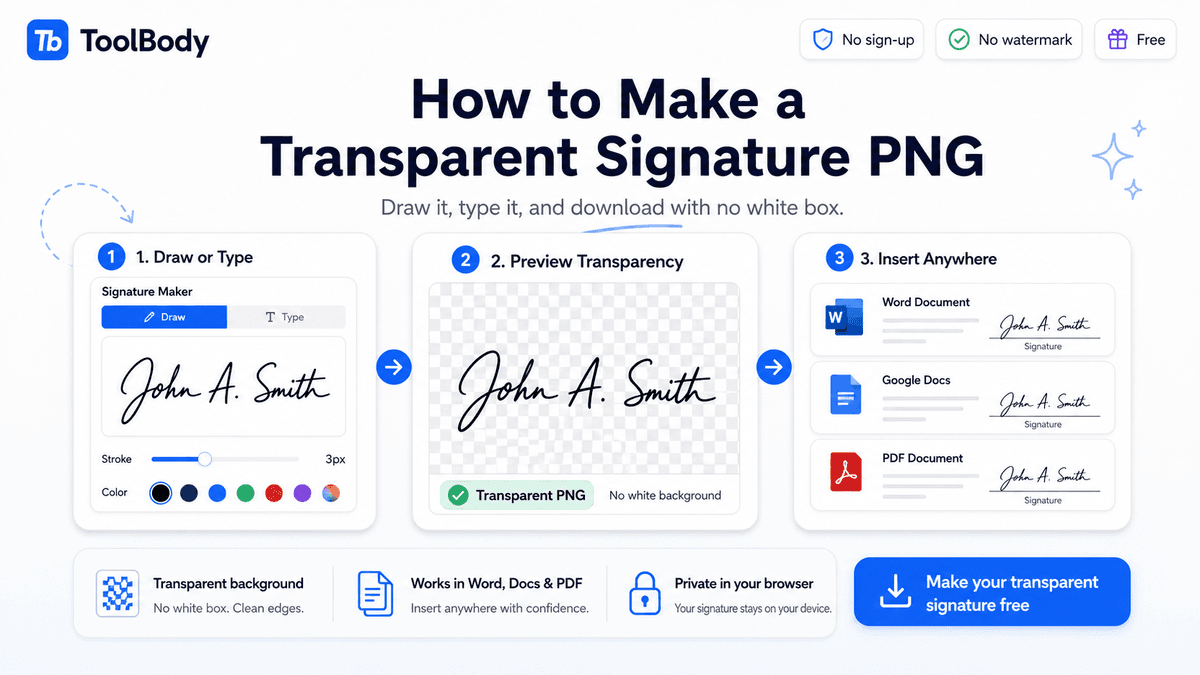 Use your mouse, trackpad, or touchscreen. The draw signature online free mode captures your actual handwriting — your real loops, your real slant, your real pressure variations. Most signatures look most authentic this way, especially on a phone or tablet where you can use your finger.
A few small things the editor lets you adjust as you draw:
- Stroke weight — fine, medium, or bold. Match the look of a pen vs a marker.
- Ink colour — black for formal documents, blue for the “this is a real signature, not a photocopy” tradition, any colour for personal use.
- Re-draw any time — if a line goes wrong, hit clear and start again. It’s just a browser; nothing is final until you download.
Type it
Don’t have a steady hand? Or just want something faster and more consistent across documents? The type signature online mode is for you. Enter your name and pick from a set of handwriting-style fonts — cursive, italic, formal, casual. The signature is generated in real time.
This is also what most people quietly use for email-attachment work — typed signatures look cleaner and more consistent than mouse-drawn ones, especially when you’re signing several documents a week. The handwritten signature generator layouts cover most styles people actually want.
Leave feedback about this