

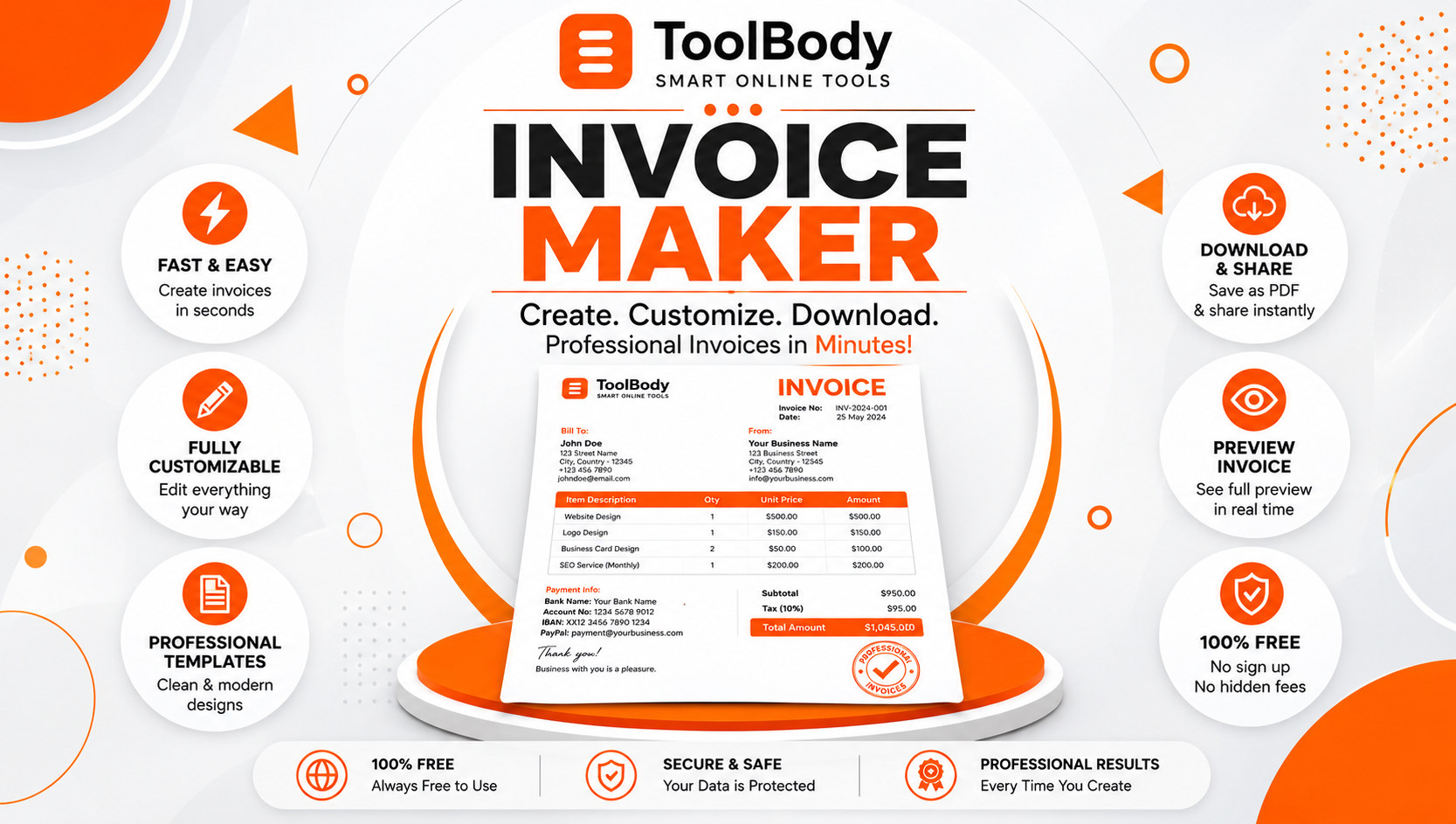
Free Invoice Maker to Create Professional Invoices
Running a business means managing customers, delivering quality products or services, and keeping financial records organized. One important part of every business is invoicing. A clear and professional invoice helps customers understand what they are paying for, keeps payment details organized, and presents your business in a trustworthy way. With a Free Invoice Maker to Create Professional Invoices, you can prepare business invoices online without spending hours formatting documents manually.
Whether you are a freelancer, entrepreneur, consultant, contractor, or small business owner, an easy-to-use Professional Invoice Maker Online can simplify your billing process. Instead of creating every invoice from scratch, you can enter your business information, add products or services, calculate totals, and prepare a polished document ready to share with your client.
Tool Body offers a practical solution for people who want to create invoices online without unnecessary complications. This makes it a useful option for professionals who want a straightforward way to handle everyday invoicing.

What Is a Free Invoice Maker?
A free invoice maker is an online tool that helps individuals and businesses create invoices for products or services. An invoice typically includes the seller’s information, the customer’s details, an invoice number, the issue date, a description of the work or products, the amount due, and payment instructions.
A reliable Free Online Invoice Generator makes the process easier by providing an organized layout and helping calculate invoice totals. Rather than spending time adjusting tables and formatting text, you can focus on entering accurate information and preparing an invoice that is easy for your customer to understand.
For example, a graphic designer can use an invoice to bill a client for a completed project, while a shop owner can prepare an invoice for products sold. Consultants, agencies, repair professionals, and independent service providers can also use an online invoice creator to organize their billing documents.
Why Create Professional Invoices for Your Business?
A professional invoice is more than a request for payment. It is also a business document that communicates important information and reflects how you manage your work.
When you create clear and well-organized invoices, customers can quickly identify the services provided, the total amount payable, and the payment deadline. This reduces confusion and makes it easier for both parties to maintain accurate records.
Using a Professional Invoice Generator for Small Businesses can also help you maintain a consistent appearance across your documents. You can use the same business name, logo, formatting, and invoice-numbering approach to make your invoices recognizable.
Here are some important benefits of professional invoicing:
Clear billing information: Customers can understand the products or services they are being charged for.
Organized records: Invoice numbers and dates help you identify and manage individual transactions.
Professional presentation: A clean design creates a more consistent impression of your business.
Easier calculations: Tools with automatic calculations help reduce manual arithmetic errors.
Convenient documentation: Downloadable invoices can be saved, printed, emailed, or stored with other business records.
A well-prepared invoice does not guarantee faster payment, but it can make the payment process clearer and help avoid preventable misunderstandings.
Free Invoice Maker to Create Professional Invoices Easily
Creating invoices should not require complicated software or advanced design skills. A Free Invoice Maker for Businesses gives you a simple way to prepare billing documents while keeping your attention on your customers and daily operations.
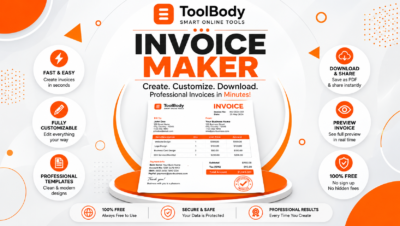
Tool Body invoice maker is designed for users who want to create a professional invoice directly in their browser. You can enter your business and client information, add individual products or services, adjust the invoice layout, and include relevant tax or discount details when applicable.
The tool also supports PDF downloads, allowing you to save a copy of your completed invoice and share it with a customer. Its no-sign-up approach is convenient for people who need an invoice occasionally as well as those who prepare invoices regularly.
How to Create a Professional Invoice Online
Using an Easy Online Invoice Creation Tool can simplify your billing workflow. Although the exact process varies between tools, the following steps provide a useful starting point.
Step 1: Enter Your Business Information
Begin by adding your business or professional name and the contact information your customer needs. Depending on your business and location, you may also include a business address, email address, telephone number, logo, or applicable registration and tax details.
Accurate information helps your customer identify who issued the invoice and how to contact you if clarification is required.
Step 2: Add Your Customer Details
Enter the customer’s name and any necessary business or contact information. Check the spelling of names and company details before completing the invoice, particularly when you are billing another business.
Correct customer information helps keep your documents organized and reduces the chance of sending an invoice to the wrong recipient.
Related Ads




Leave feedback about this